OFFSKRPT Games

Good games.Great company.No console required.

Put the game on the TV. Every phone is a controller. Or play on your own phone. Free, in the browser, no download and no sign-up.

Pick a game

Fowl Orbit

The flock stole the Golden Egg. Chase them through four worlds and four bosses, solo or with friends.

  • Popular
  • Shooter
  • 1 to 4 players
  • On a TV
  • Online

Play Fowl OrbitOn a TV

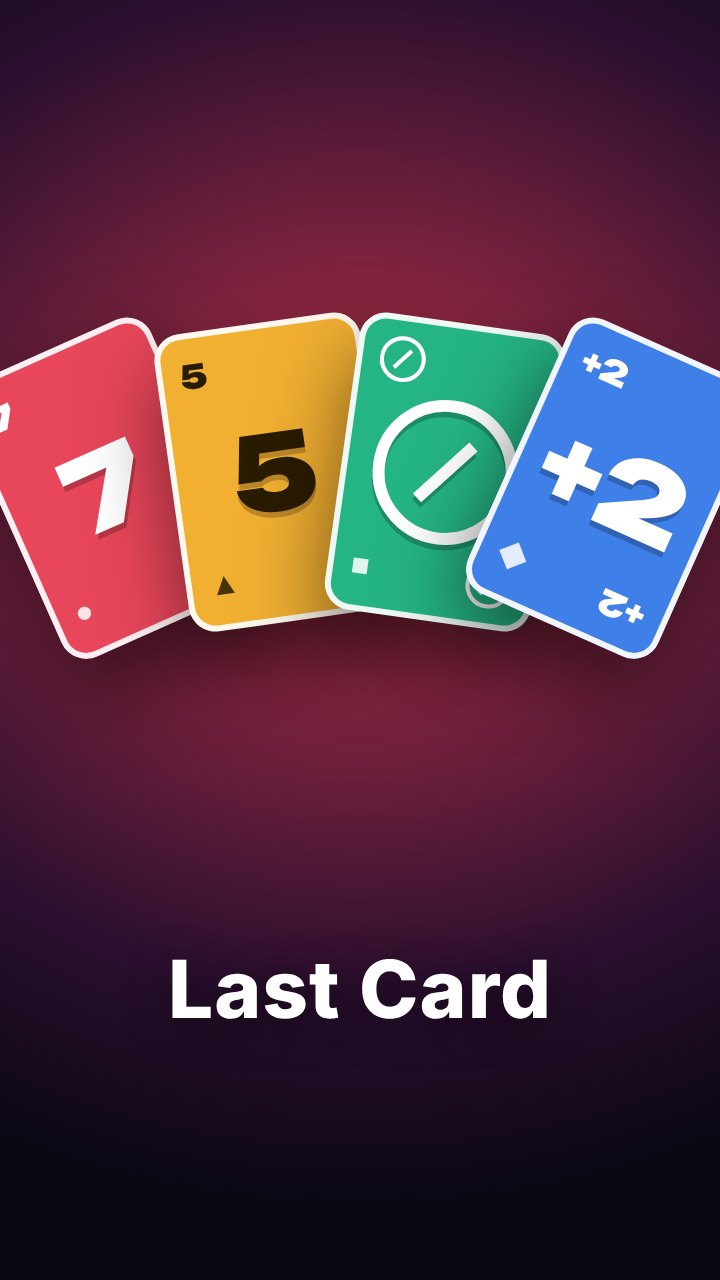
Last Card

Match the colour or number, call Last Card. Make a room and send the link, or play on the TV with phones as hands.

  • Popular
  • Card game
  • 2 to 8 players
  • On a TV
  • Online

Create a roomPlay on a TV

Brick Pulse

Smash neon bricks, catch power-ups and fire a Pulse shockwave when the meter is full.

  • Brick breaker
  • 1 thumb
  • On a TV

Play Brick Pulse

Cloud Hopper

Bounce up the clouds, grab stars and dodge storm sprites. Steer by sliding your thumb.
  • Climber
  • 1 thumb
  • On a TV

Play Cloud Hopper

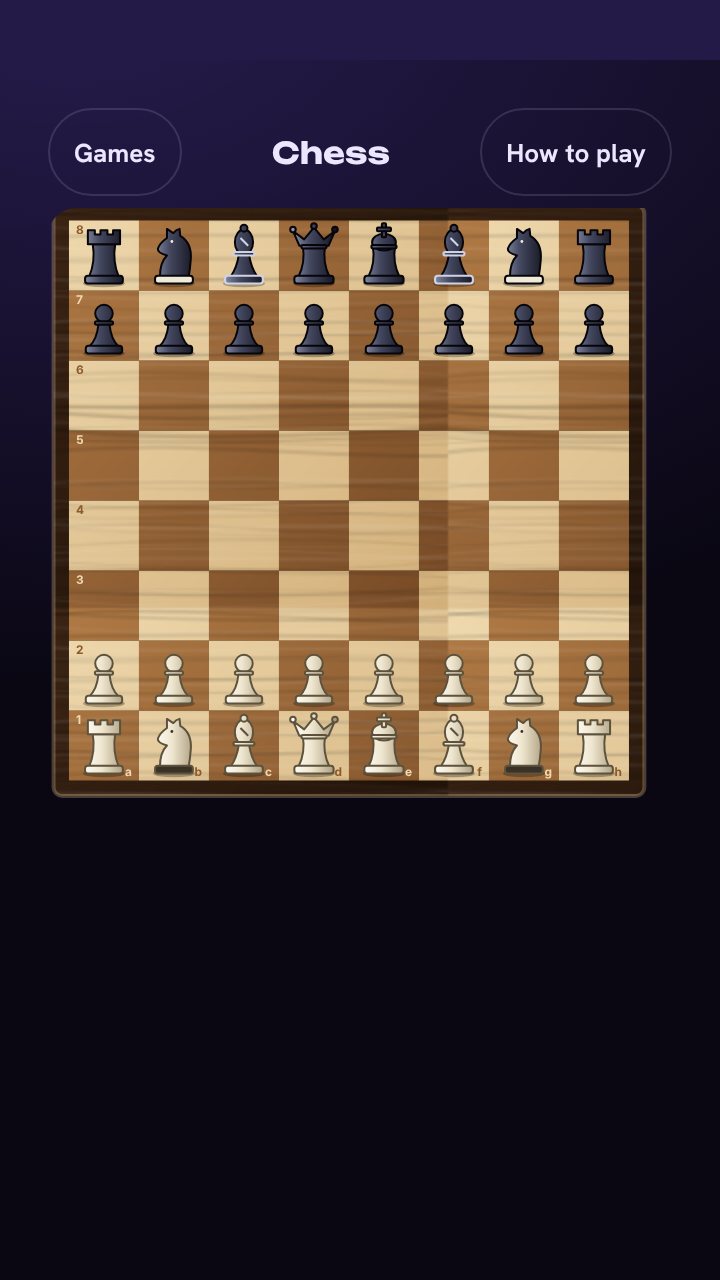
Chess

Play a friend or the computer. A coach rates your moves, and lessons teach openings, traps and checkmates.
  • Strategy
  • 1 or 2 players
  • On a TV
  • Online

Play nowWith friends

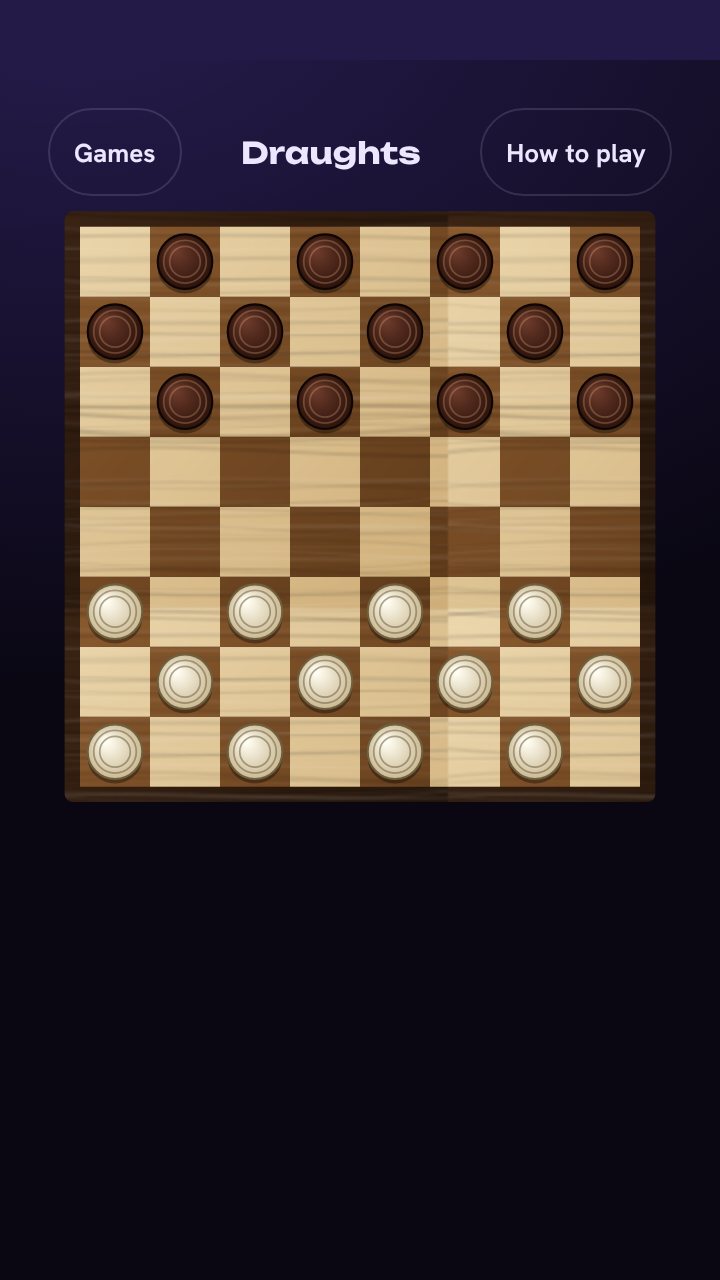
Draughts

Jump, crown and out-think the board. Forced captures, flying kings if you like, and hints that teach.
  • Strategy
  • 1 or 2 players
  • On a TV
  • Online

Play nowWith friends

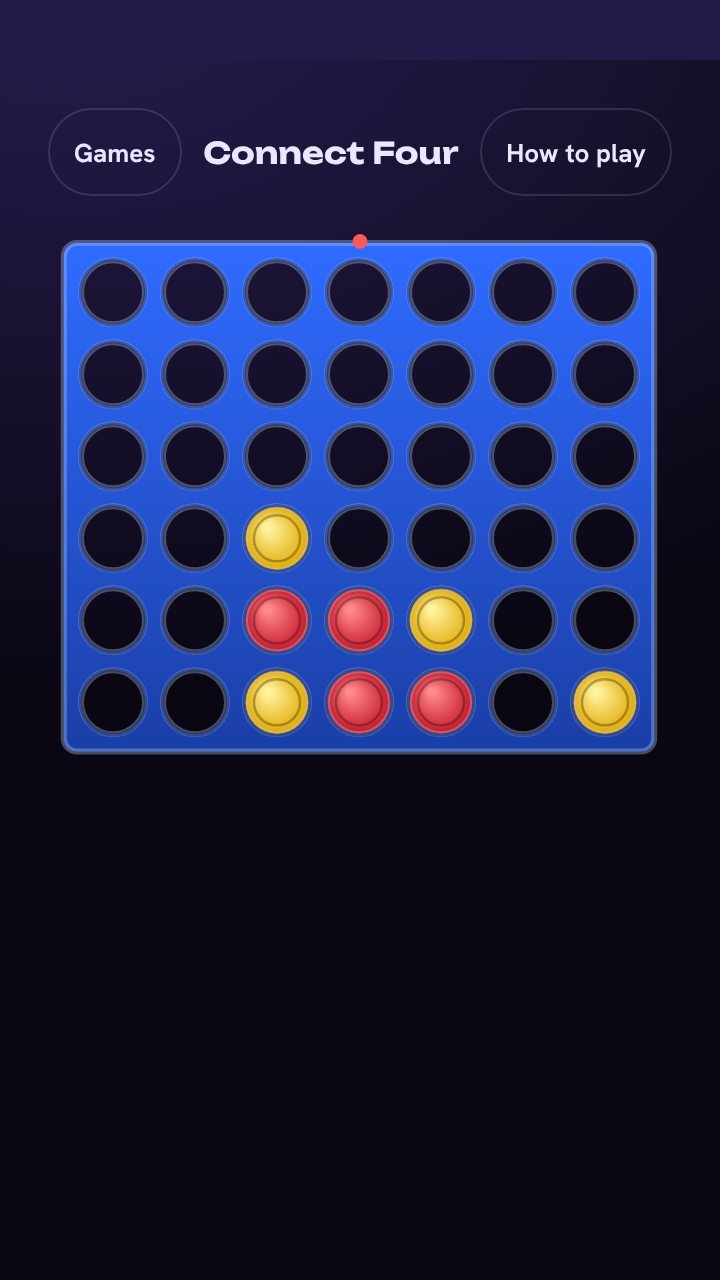
Connect Four

Drop discs, block the line and make four in a row. Four computer levels and a hint button.
  • Strategy
  • 1 or 2 players
  • On a TV
  • Online

Play nowWith friends

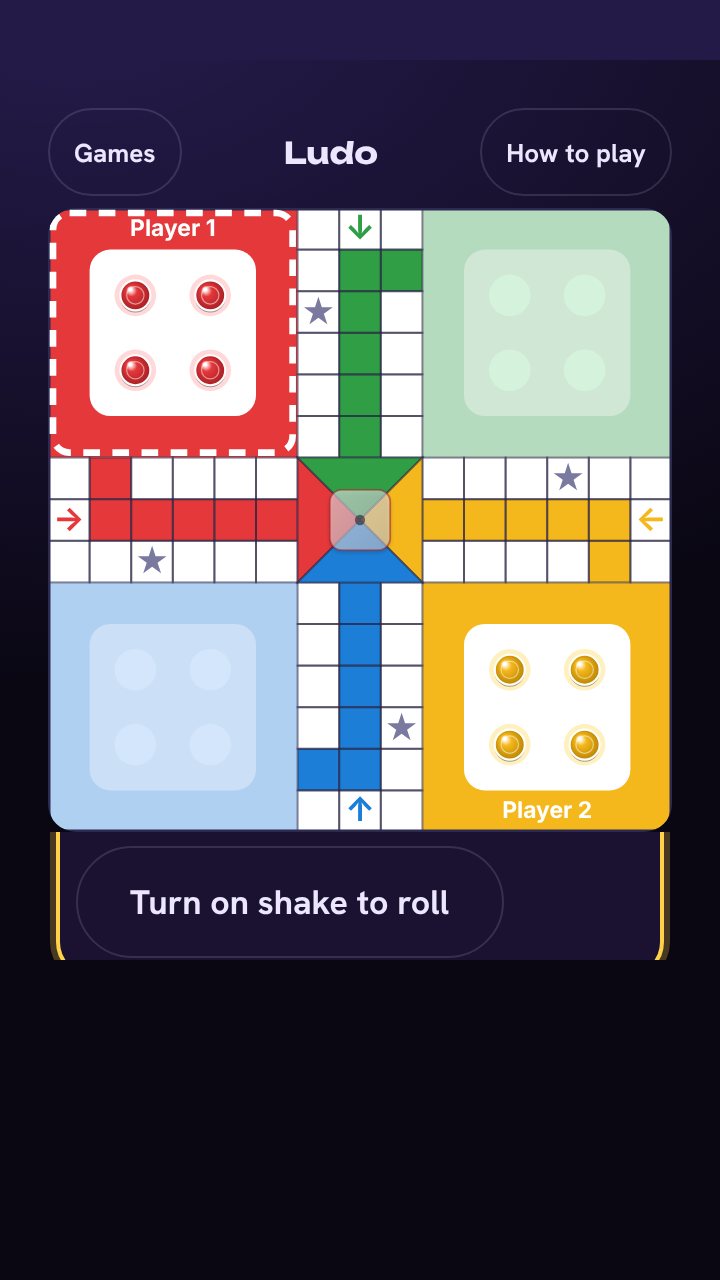
Ludo

Standard Ludo or Ghana Ludo with front, back, line and home kicks. Every rule is a switch. Shake your phone to roll.

  • Board game
  • 2 to 4 players
  • On a TV
  • Online

Play nowWith friends

No games match that yet. Try another filter.

Your phone is the controller

Open one page on a TV, laptop or tablet. Everyone else joins from their own phone. Nobody installs anything.

  1. Open the TV page. A room code and a QR code appear on the big screen.
  2. Scan with each phone. Add a name. Each phone shows its own controller.
  3. Pick a game and play. Press Fullscreen on the TV and start.
Cost
Free. No account.
Big screen
A TV, laptop or tablet with a web browser.
Controllers
Any phone. Up to eight at once, four in Fowl Orbit.
Games on the TV
Fowl Orbit, Brick Pulse, Cloud Hopper, Last Card, Chess, Draughts, Connect Four and Ludo.
Not in the same room
Use a friends room. One phone makes the room and friends join from anywhere.

Play with friends anywhere

Last Card and the board games run in private rooms. No account, just a code or a link.

Make a room

Pick a game and tap Create a room. You are the host and set the rules.

Send the code or link

Share it on WhatsApp or anywhere else. Friends type the code in the box at the top of this page, or tap the link.

Play and rematch

Everyone sees the same board. When it ends, play again or pick another game.

Leaderboards

The best scores across all players, live.

Fowl Orbit

    Brick Pulse

      Cloud Hopper

        Pick a pilot name once and your scores follow you onto the boards. Already have a pilot? Choose I already have a pilot in a game and enter your transfer code.

        Help

        Do I need an account?

        No. Open a game and play. A pilot name is optional and puts your score on the leaderboards.

        Does it work on my TV?

        Open tv.offskrpt.games in your TV's browser. Most smart TVs work. If yours is slow or old, open the page on a laptop and connect it to the TV with a cable.

        How many people can play?

        Up to eight phones in a party. Fowl Orbit takes four pilots, Last Card up to eight, and the board games two to four.

        Can I install the games?

        Yes. Open a game, then use Install app on its menu or your browser's Add to Home Screen. Each game gets its own icon and opens full screen.

        Something is broken. Who do I tell?

        Use Report a problem in the footer, or write to hi@offskrpt.games.

        Stream your game

        Show your game live on YouTube, Twitch or Facebook. A website cannot go live by itself, so a small streaming tool sits between the game and the platform. Pick the way that matches how you play.

        Playing on a TV

        1. Open tv.offskrpt.games in a browser on a laptop. The laptop is the big screen, and phones scan the code to play.
        2. Plug the laptop into the TV if you want everyone to watch there too.
        3. In your streaming tool, capture that browser tab or window. That is what viewers see.
        4. Add your webcam as a small picture in a corner if you want your face on stream.
        5. Press Go live and start the game.

        Playing in a friends room

        1. Make a room at lab.offskrpt.games/?friends and tap Room.
        2. Tap Copy stream link before you start the game. The link shows only the board, with no buttons.
        3. Open that link on a laptop and capture it in your streaming tool.
        4. Viewers can also open the link themselves to watch the board without a stream.

        Pick a streaming tool

        • StreamYard or Restream Studio. Runs in the browser, nothing to install. Share a tab, show your camera in a corner, go live to YouTube. Best for a first stream.
        • OBS Studio. Free and the most flexible. Add the link as a Browser Source, add your webcam, paste your stream key.
        • YouTube in the browser. Share a tab straight from youtube.com. It works, but you cannot add a camera in a corner.

        Tip: do a private test stream first and check the sound. Phones cannot easily stream the board and a camera together, so use a laptop.